Bike Snapshot
A Bike Snapshot lets you display your favourite settings in a clear overview. You can select any data you have already entered and display it as tiles — so your most important information is always just a tap away.
Create a Snapshot
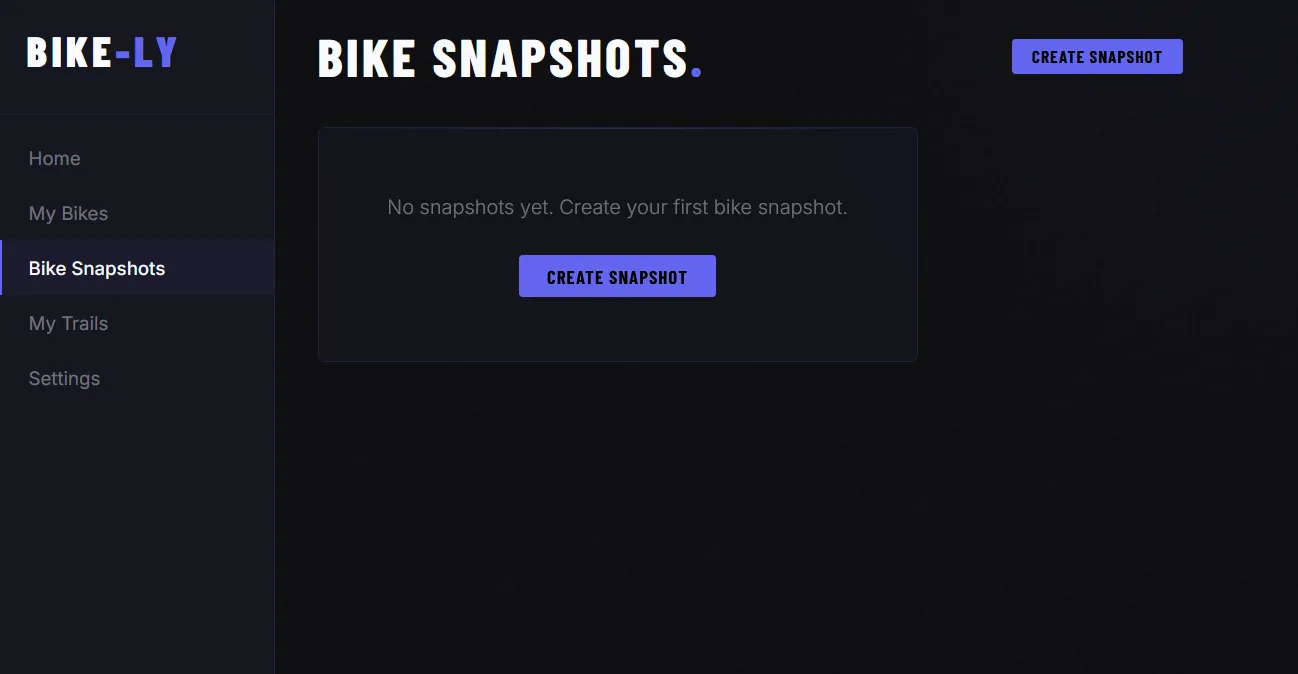
As long as you haven’t created a snapshot yet, the page will be empty. Use the “Create Snapshot” button to set up your first snapshot.
Add Data
For a new snapshot you can give it a name and select the bike it belongs to.
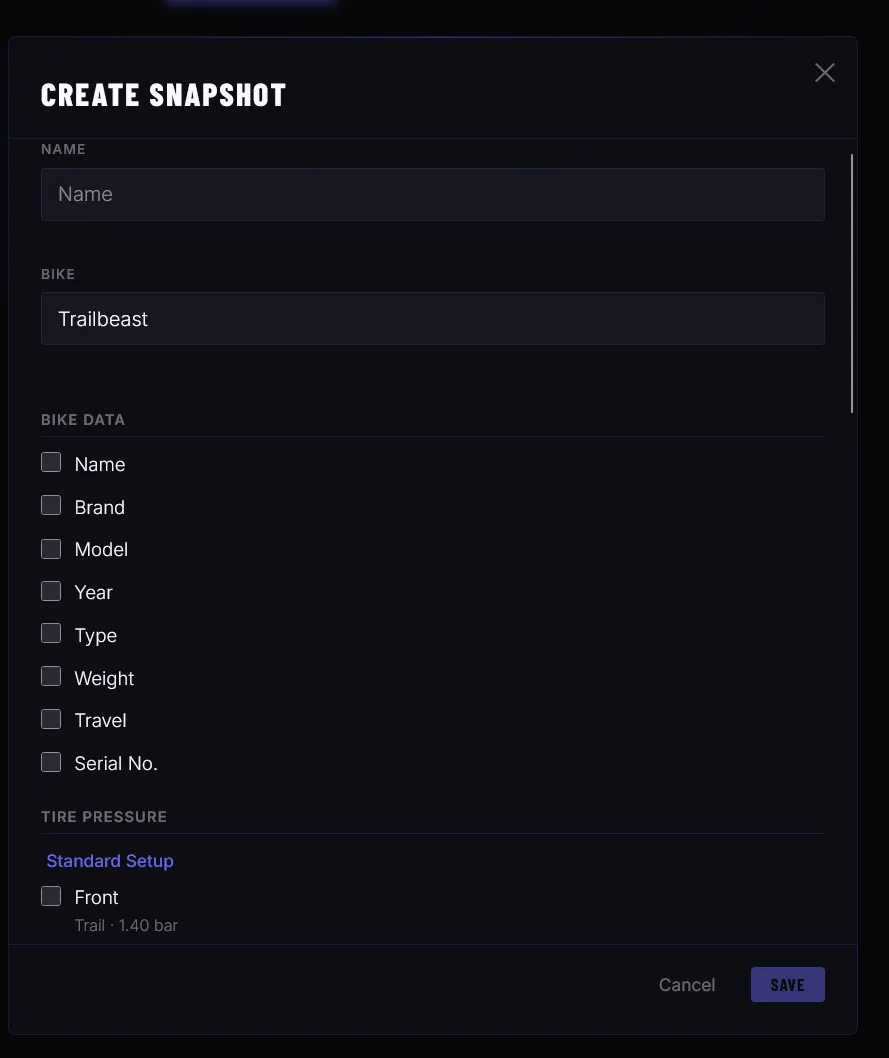
By selecting the relevant data it will be added to the snapshot as tiles.
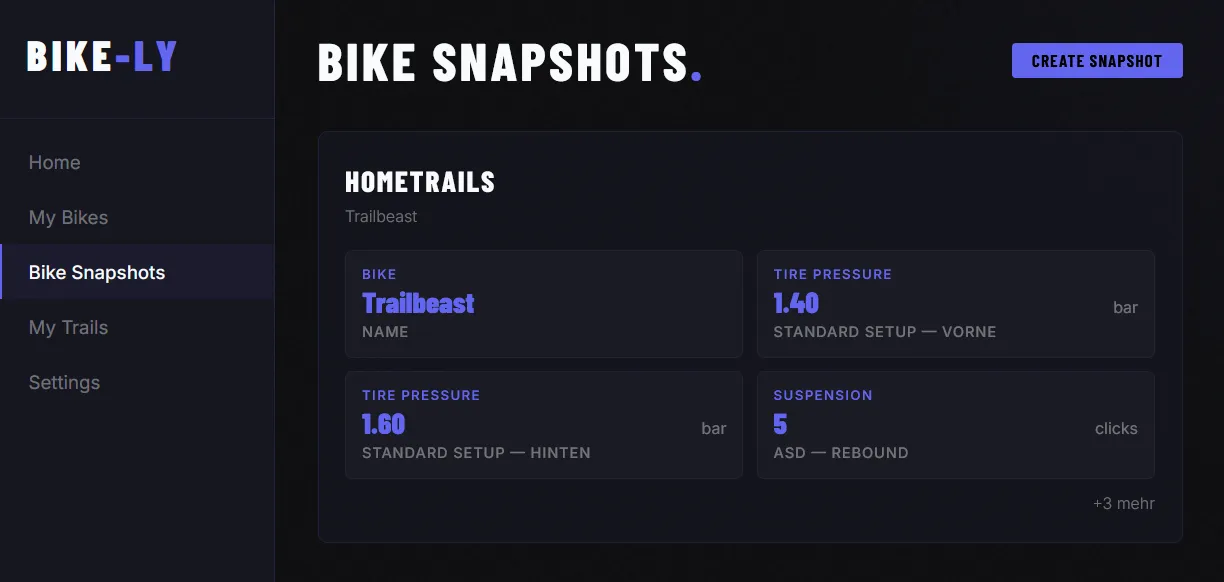
View or Edit a Snapshot
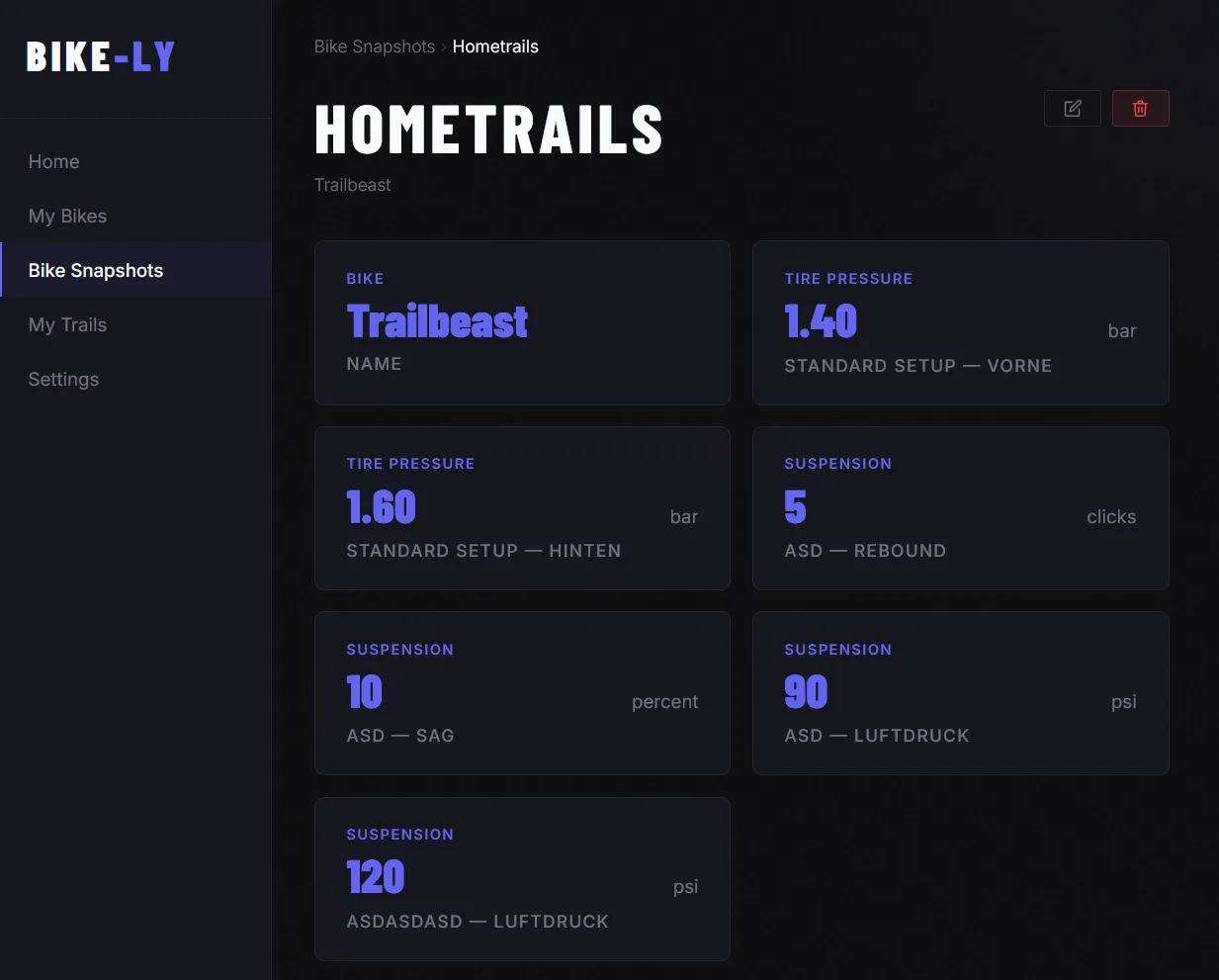
Click on one of your snapshots to view all data, edit the snapshot, or delete it.
Missing something? New feature? More data?
Is there important data missing or do you have an idea for a new feature? Feel free to reach out — we are actively developing Bike-Ly and welcome suggestions, ideas, and feedback. Use the contact form and let us know what you think.